Created by the Google Doodle team to celebrate U.S. Independence Day on July 4, 2019, the game features a backyard barbecue aesthetic pitting personified picnic foods against peanut fielders.
Doodle Baseball turns a quick swing into a backyard showdown between picnic food and peanut pitchers. One button, one timing window, and three outs stand between you and a bigger score. Google's Doodle team built it for Independence Day 2019, and its pace still pulls you into "one more run."
You play as a food batter at the plate. The pitcher throws, you swing, and every miss costs you. The rules are simple, but the pitch mix keeps you guessing.
Ready to find your rhythm? Play Doodle Baseball online right here, then use this guide to tighten your timing, read each pitch, and meet the batters waiting in the lineup.
How Doodle Baseball Scoring and Outs Work
The Three-Strike Elimination Rule
Every swing and miss counts as a strike. Three total outs end the inning right away, and that ends your run. There is no second inning to save you.
That rule shapes how you play. A wild swing at a bad pitch is not a harmless guess. It spends one of only three chances you get.
So patience matters. Watch the pitcher's delivery before you commit. If the ball looks wrong, hold your swing and wait for the next one.
Think of each run as a small tightrope walk. You can bat well for a long stretch, but three mistakes close the door. That makes every pitch feel important, even early on.
A good habit is to treat your first swing as a read, not a gamble. Learn the speed, spot the cue, and then act. Calm hands beat quick hands here.
Scoring Bases and Home Runs
Your goal is to put the ball in play and keep the run alive. Solid contact sends your batter toward the bases, and better contact makes a bigger result more likely. The sweet spot is the moment the ball meets your swing.
Aim for clean, well-timed hits instead of power swings. A steady string of good contact beats one wild try for the fences. Stay out of strike territory and the score takes care of itself.
Reading Pitches in Doodle Baseball
Identifying Pitch Color Cues
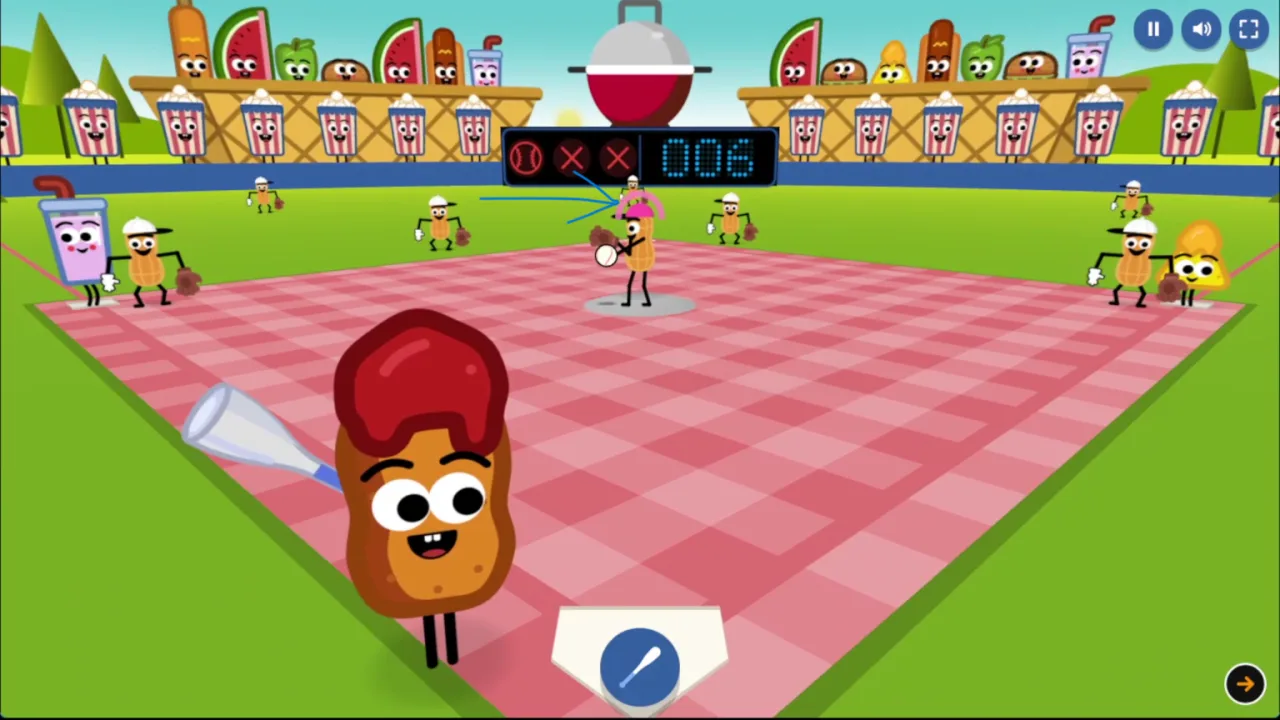
The peanut pitcher does not throw the same way twice in a row. He alternates delivery styles, and visual cues tell you which one is coming. Red marks a fastball.
That red cue is your warning to move quickly. A fastball leaves you less time, so you must start your swing decision as soon as you see it. Wait too long and the ball is past you.
Because the delivery changes, you cannot lock into a single rhythm. A swing that worked on the last pitch may be wrong for the next one. Reset your timing every time the pitcher winds up.
Train your eyes on the cue first and the ball second. Name the pitch in your head before it arrives. That tiny habit turns guessing into reading, and reading is what keeps your outs low.
Check the ball's path as it travels toward the plate. The color tells you what to expect, and the trajectory confirms it. Match your swing to both, then press.
Handling Breaking Balls and Changes of Pace
Pitch speed shifts as the pitcher mixes his deliveries. When the pace changes, your timing must change with it. A swing that suits a fast pitch will arrive too early on a slower one.
In this frame of Doodle Baseball, the ball's path is shown above the pitcher's head, so watch the color of the path before you swing.
Stay loose and ready to adjust. Watch how the ball moves toward home plate, then wait for it to reach your window. Do not let the last pitch decide your next swing.
The Food Lineup at the Plate
Backyard Barbecue Batters
The fun of Doodle Baseball starts with who steps up to bat. Classic picnic foods, including hot dogs, corn, and burgers, take turns at the plate. Each one is a playable character with its own name.
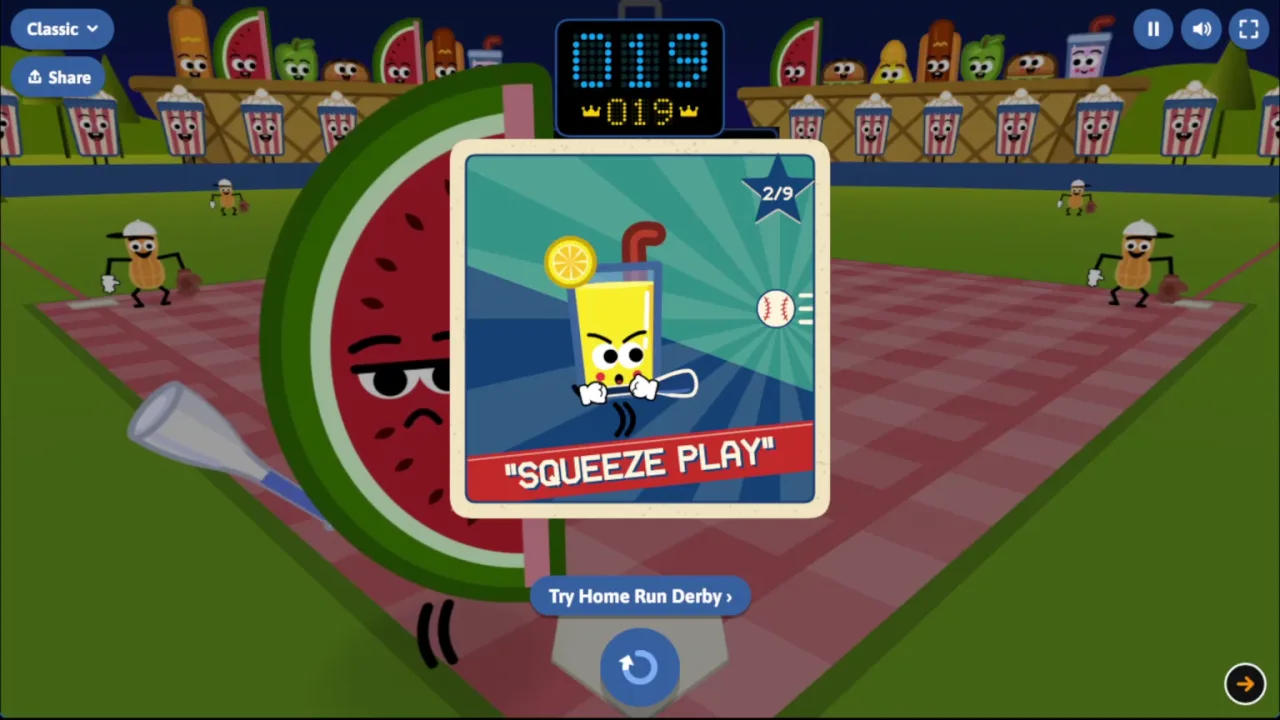
You will meet batters like H-Dog, Triple, Wild Slice, and The Cobbra. The names add personality to every run. Each food batter steps up with a custom name, so the lineup feels like a real roster of backyard legends.
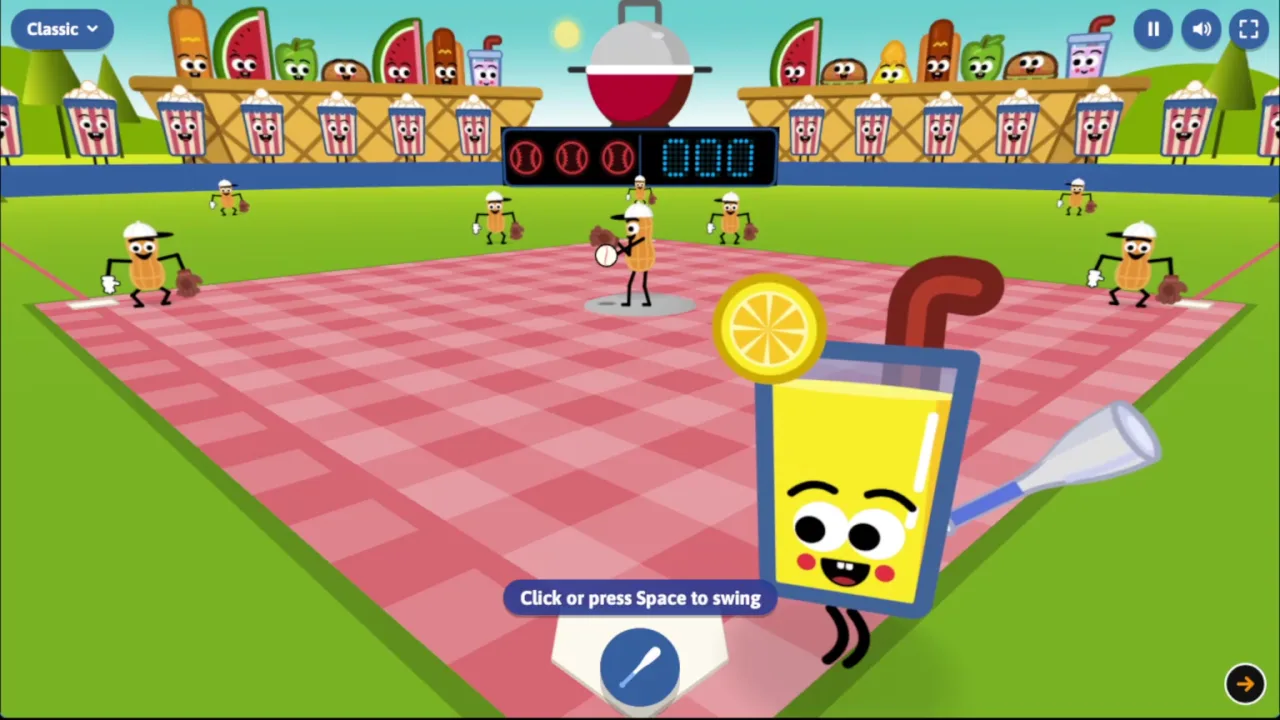
Across the field, the opposition is just as playful. Every pitcher and fielder in the stadium is an animated peanut character. Picture a cookout where the food swings and the peanuts defend.
The setting fits the holiday it was made for. The whole game wears a Fourth of July backyard barbecue theme, with an American pastime feel from the first pitch. It is bright, silly, and easy to read at a glance.
The look never gets in the way of play. Your controls stay the same no matter which food is up. Press the Space Bar, click the Left Mouse Button, or tap on mobile, and the batter swings.
Take a moment to enjoy each new face as it steps in. Then get back to business. The lineup is charming, but the peanuts are still throwing, and three outs are still waiting.
Want to meet the whole crew? Jump in and start playing Doodle Baseball now to see who steps up next.
Timing Mechanics for Clean Hits
Finding the Sweet Spot in the Strike Zone
Watch the ball's height as it nears home plate. That is your cue for when to swing. Let it travel close, then press at the moment it reaches your window.
Do not chase the ball with your eyes alone. Use the pitcher's color cue to judge how fast it is arriving. A faster pitch asks for an earlier press, while a slower one rewards patience.
Need a breather? Press the P key to pause. It gives you a moment to reset before the next pitch.
Avoiding Early and Late Swings
Early swings are the most common mistake. You see the pitch, panic, and press before the ball arrives. Slow down and count the ball's approach.
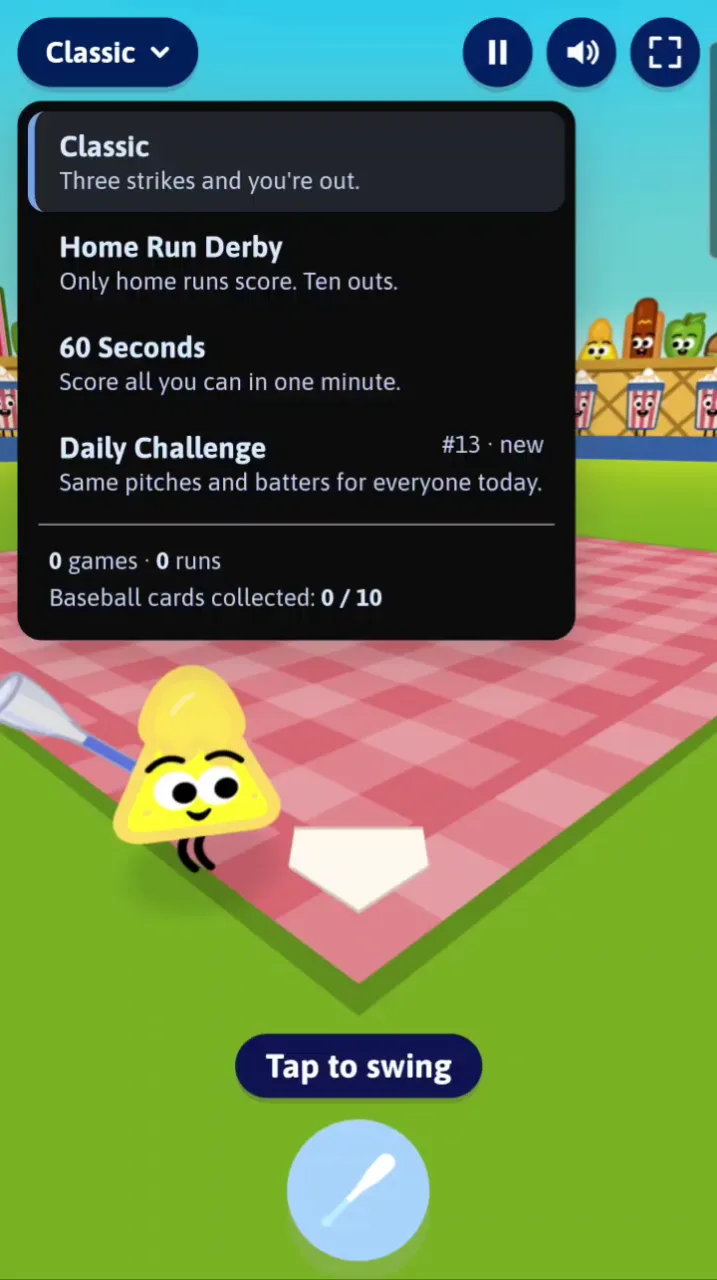
Screenshot from a phone: the Doodle Baseball mode menu open over the field, with the Tap to swing button at the bottom.
Late swings happen when you freeze. Trust your read of the cue and commit. Either miss is a strike, so aim for calm, steady timing every time.
Release History and Browser Accessibility
Fourth of July 2019 Launch
Google launched Doodle Baseball on July 4, 2019, to celebrate U.S. Independence Day. The Google Doodle team built it as an interactive tribute to an American pastime. The backyard barbecue look matches the holiday perfectly.
It is a singleplayer sports batting arcade game made with HTML5. Instead of a long tutorial, it hands you a single input and lets you learn by swinging. That quick start is a big part of its charm.
Direct Play Across Modern Browsers
It works on desktop, mobile, and Android with the same simple controls. If you like quick sports games, browse more in Sports .
Try Doodle Baseball right here and see how long you can last.
Shares the core baseball batting mechanic and timing-based swing controls, though it features stylized human characters rather than animated food items.
Doodle Baseball is a Google-made HTML5 batting arcade that rewards sharp eyes and steady timing. The peanut pitcher mixes up his deliveries, so you have to read each pitch as it comes in rather than fall into a fixed swing rhythm.
Every swing and miss counts as a strike, and three outs end the run, which keeps each pitch tense. The controls are easy to learn: press the Space Bar or click the Left Mouse Button to swing, tap on mobile, and hit the P key to pause. It's a singleplayer game that runs in your browser on desktop and mobile.
Ready to step up to the plate? Start playing Doodle Baseball right here on this page and see how long you can last.
Doodle Baseball Game Video
DailymotionWatch Gameplay
Game Controls
Space Bar
Swing
P key
Pause
Left Mouse Button
Swing
Tap
Swing
No comments yet. Be the first to share your thoughts!



No comments yet. Be the first to share your thoughts!